How to Watch Movie HD Roku (No APK Install – All Working Methods)
You cannot install an APK directly on Roku. That confuses many users, so let’s clear it up fast. Roku does not run Android apps, but you can still watch content from Movie HD using methods that actually work.
This guide shows only real options that people use today. No hype, no tricks, just clear ways to stream from your phone or system to your Roku screen. If you want to watch movies in HD without wasting time, you are in the right place.
Can You Really Use Movie HD on Roku?
No, you cannot install the Movie HD APK on Roku. Roku does not support Android apps, so direct installation is not possible. If someone says otherwise, they are skipping how Roku actually works.
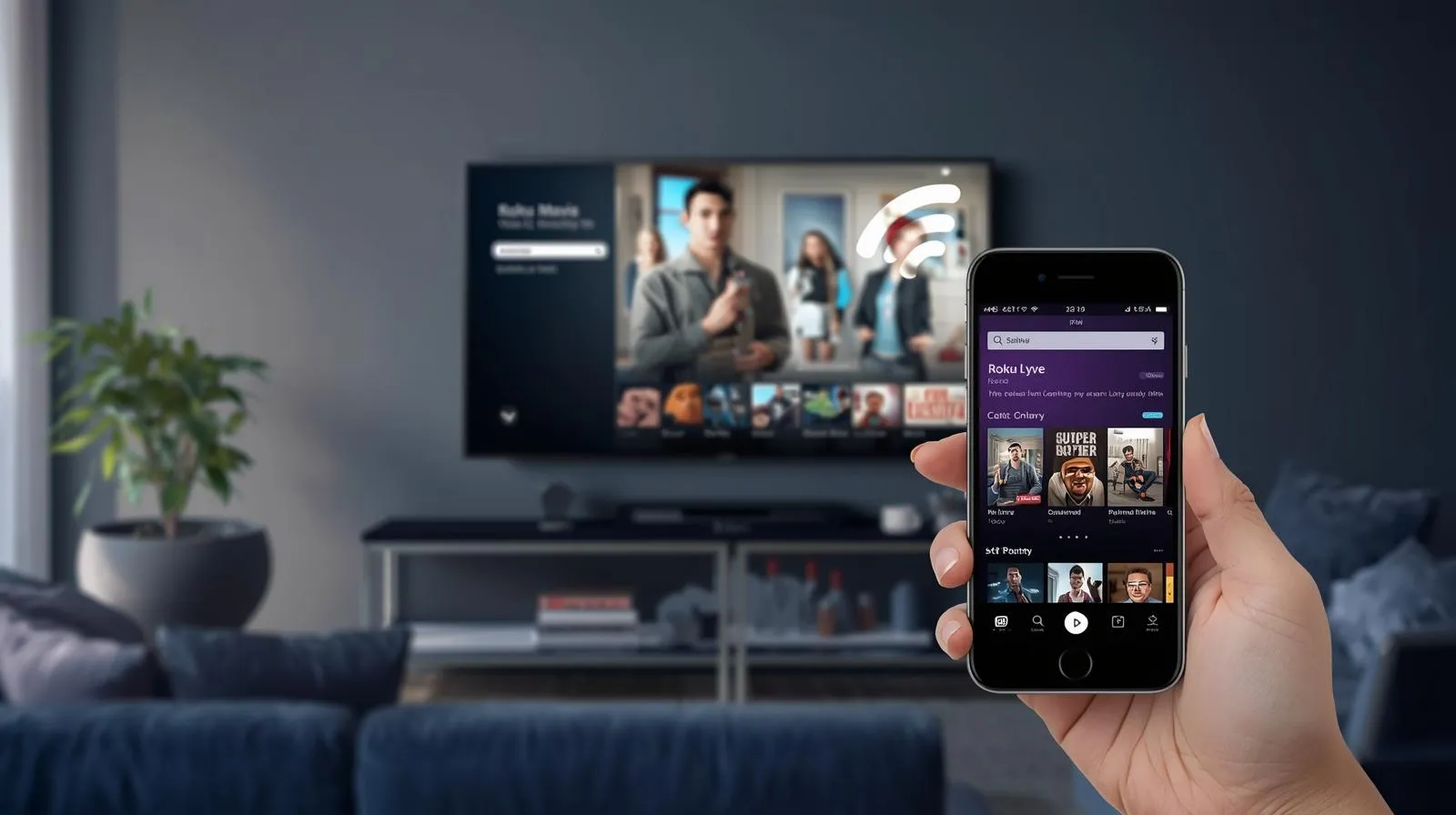
What does work is streaming Movie HD from another device to your Roku screen. This includes casting or mirroring from an Android phone, or sharing your screen from a PC. This guide is for mobile users and Roku TV owners who want a clear, working way to watch movies without confusion.
Why Movie HD APK Doesn’t Install on Roku
Roku does not run on Android. It uses its own closed system and only allows apps from the official channel store. That design blocks all APK files by default. An APK like Movie HD is made for Android phones and tablets, not Roku devices. This is why direct installation never works, no matter which file you try.
Casting and mirroring work because they do not install anything on Roku. Casting sends the video stream from your phone, while mirroring shows your full screen on the TV. Roku only displays the content, it does not run the app itself.
What Is Movie HD and Why People Use It
Movie HD is an Android app that lets users watch movies and Smart TV shows from many sources. People use it because it opens fast and does not ask for sign-ups. The layout stays simple, which helps on mobile screens.
The app offers HD and sometimes 4K links, depending on the source. On Android, users can also download videos for offline viewing. Many people search “Movie HD Roku” because they want the same content on a bigger screen, even though Roku cannot install the app directly.
Best Ways to Watch Movie HD Roku
There is no single method that works for everyone. The right option depends on your device, network, and how stable you want playback to be. Below are the methods that users rely on most.
All options stream content to your Roku screen without installing any app on it. Each method solves a different use case, so choose what fits your setup.
Method 1: Cast Movie HD to Roku Using Local Cast
Method 2: Screen Mirroring Movie HD to Roku
Method 3: HDMI, Smart View, or PC Workaround
You Should Check out this: Movie HD iOS Download (Free HD Movies on iPhone – No Jailbreak Required)
Key Features of Movie HD When Used on Roku
Movie HD App Details
|
Feature |
Details |
|---|---|
|
App Type |
Android APK |
|
Supported Devices |
Android phones and tablets |
|
Roku Support |
Direct install not supported |
|
Best Way to Use on Roku |
Casting or screen mirroring |
|
Cost |
Free |
|
Ads |
Minimal, varies by version |
|
Account Required |
No sign-up needed |
|
Offline Viewing |
Available on Android only |
Is Movie HD Safe and Legal on Roku?
Movie HD itself does not run on Roku, so safety depends on the device you use for streaming. The main risks come from third-party APK files, not from Roku. Using unknown sources can expose your device to unwanted ads or unstable links.
Always check app permissions and avoid modified versions. Legal status depends on your country and what you stream. Users should expect mixed link quality and occasional playback issues, not a perfect or official service.
Do You Need a VPN for Movie HD on Roku?
A VPN can help when links do not load or content is blocked in your region. It may also add a layer of privacy when streaming from third-party sources. This depends on where you live and how your internet provider handles traffic.
A VPN does not fix broken links or improve video quality. In some cases, it can slow streaming if the connection is weak. Users should balance privacy needs with stable playback and avoid expecting guaranteed results.
Common Problems and Fixes
Roku not showing cast option
Make sure your phone and Roku use the same Wi-Fi network. Restart both devices and reopen the casting app. Screen mirroring must be enabled in Roku settings.
Video buffering or black screen
Try a different stream link inside the app. Lower the video quality if possible and check internet speed. Wireless casting can fail on weak networks.
Audio not syncing
Pause the video for a few seconds, then resume playback. Switching to another link often fixes sound delay. Mirroring works better than casting in some cases.
App crashing on Android
Clear the app cache and restart your phone. Update the app to the latest version if available. Older devices may struggle with high-quality streams.
Frequently Asked Questions:
Conclusion
You cannot install Movie HD Roku, but you can still watch it using casting or mirroring. The experience depends on your device, network, and the stream source you choose. Results can vary from one session to another.
This setup works best for Android users who want a larger screen without extra cost. It is not ideal for users who want a stable, app-based Roku experience. For most users, casting from an Android phone offers the best balance between ease and playback quality.